Why this list looks different from last year's
We ranked tools by adoption and repeatable value — not demo wow factor. A platform that saved our team ten hours a week beats a flashy launch that nobody uses after month two.
1. ChatGPT
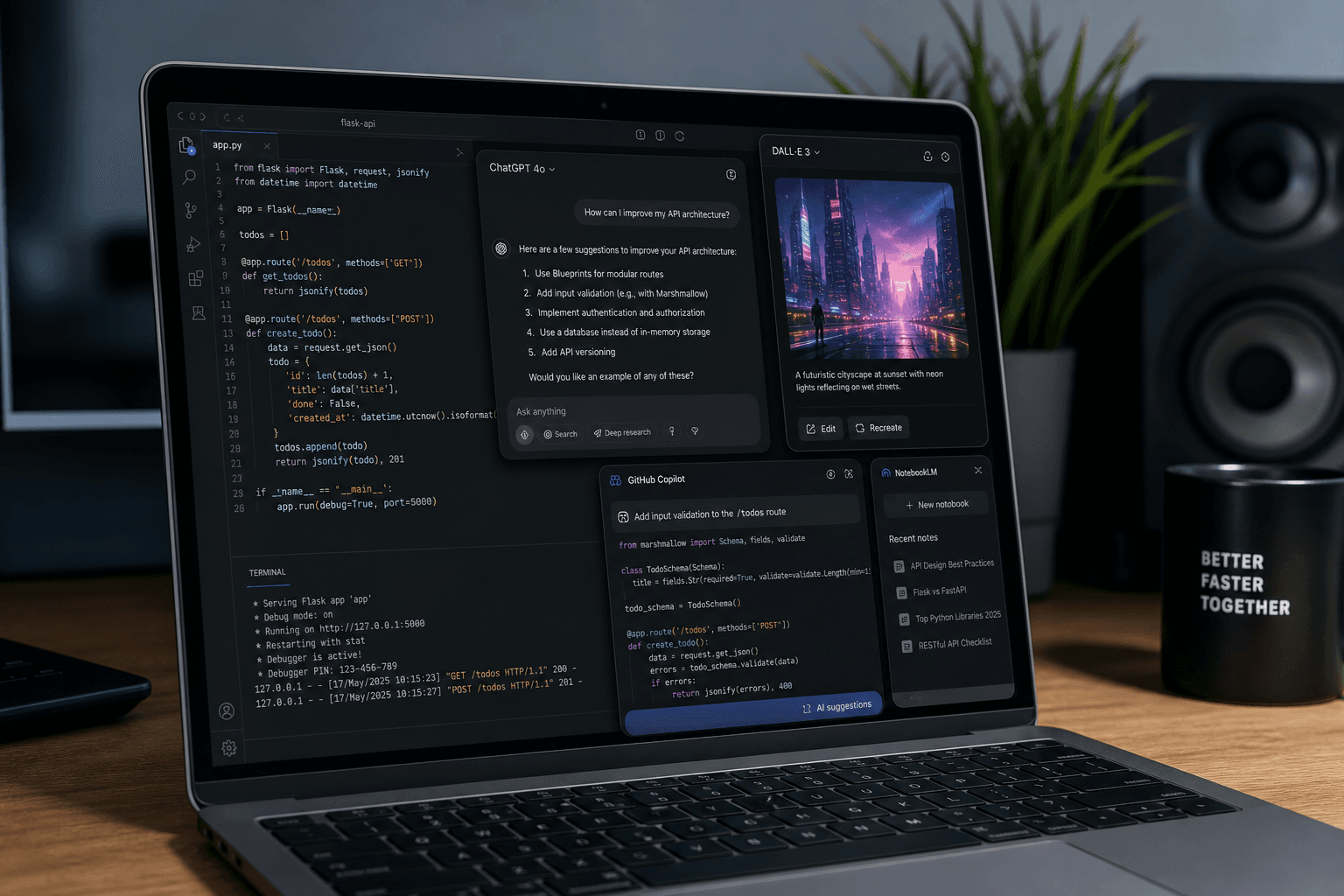
Still the default AI assistant for drafting, brainstorming, and quick research. GPT-4o-class models handle code, analysis, and multilingual tasks well enough that non-technical staff use it daily. Weakness: hallucinations on obscure facts — always verify citations.
2. GitHub Copilot
The standard for AI pair programming. Inline suggestions speed up boilerplate, tests, and refactoring. It won't architect your system, but it removes friction on the 80% of coding that's repetitive. Works best when you review every suggestion instead of accepting blindly.
3. Google Gemini
Google's bet on workspace integration — Docs, Gmail, Search — makes Gemini sticky for teams already on Google Workspace. Deep Research features help with long-form summaries. Best if your org lives in Google's ecosystem.
4. Microsoft Copilot
Word, Excel, Outlook, Teams — Copilot embeds AI where enterprise users already work. Meeting recaps and spreadsheet analysis are the killer features for office workers. Pricing adds up for large teams, so ROI math matters.
5. Anthropic Claude
Known for long-context conversations and cautious safety tuning. Popular for legal summaries, research synthesis, and enterprise knowledge bases where accuracy and tone matter. Our writers use it for outline drafts before human editing.
6. Midjourney
Still the reference for AI image generation quality. Designers use it for concept exploration and marketing mockups — not final brand assets without human polish. The creative workflow changed: ideation in minutes, refinement still manual.
7. Notion AI
Note-taking plus task management plus AI summaries inside the doc you're already editing. Remote teams adopted it because it reduces context switching. Less powerful than dedicated writing tools, more convenient.
8. Jasper
Marketing-focused writing with templates for ads, blogs, and social posts. SEO teams use it to scale first drafts. Output needs human editing to avoid sameness — Google rewards originality, not AI slop.
9. Runway ML
AI video editing: background removal, text-to-video clips, motion tracking. Content creators compress production timelines dramatically. Not replacing professional editors on high-end work, but democratizing short-form content.
10. Perplexity AI
Search plus conversational answers with citations. Researchers and journalists like it because sources are visible — easier to verify than black-box chatbot responses. Our team uses it for quick fact-checking during reviews.
The honest takeaway
AI tools in 2026 are productivity multipliers, not replacements for judgment. Start with one tool that solves a pain point you have today — coding, writing, or research — before paying for a stack you won't use. And if you're buying a laptop to run these tools, our developer laptop guide covers what actually matters for local vs cloud AI workloads.