TechNCom logoTechNCom
laptops

MacBook vs Windows Laptops: Which Platform Should You Buy?

M-series MacBooks changed the conversation. We compare battery life, app compatibility, repairability, and total cost of ownership for real buyers.

MacBook Air M4Windows Ultrabooks (Ryzen/Intel)
April 18, 202610 min read
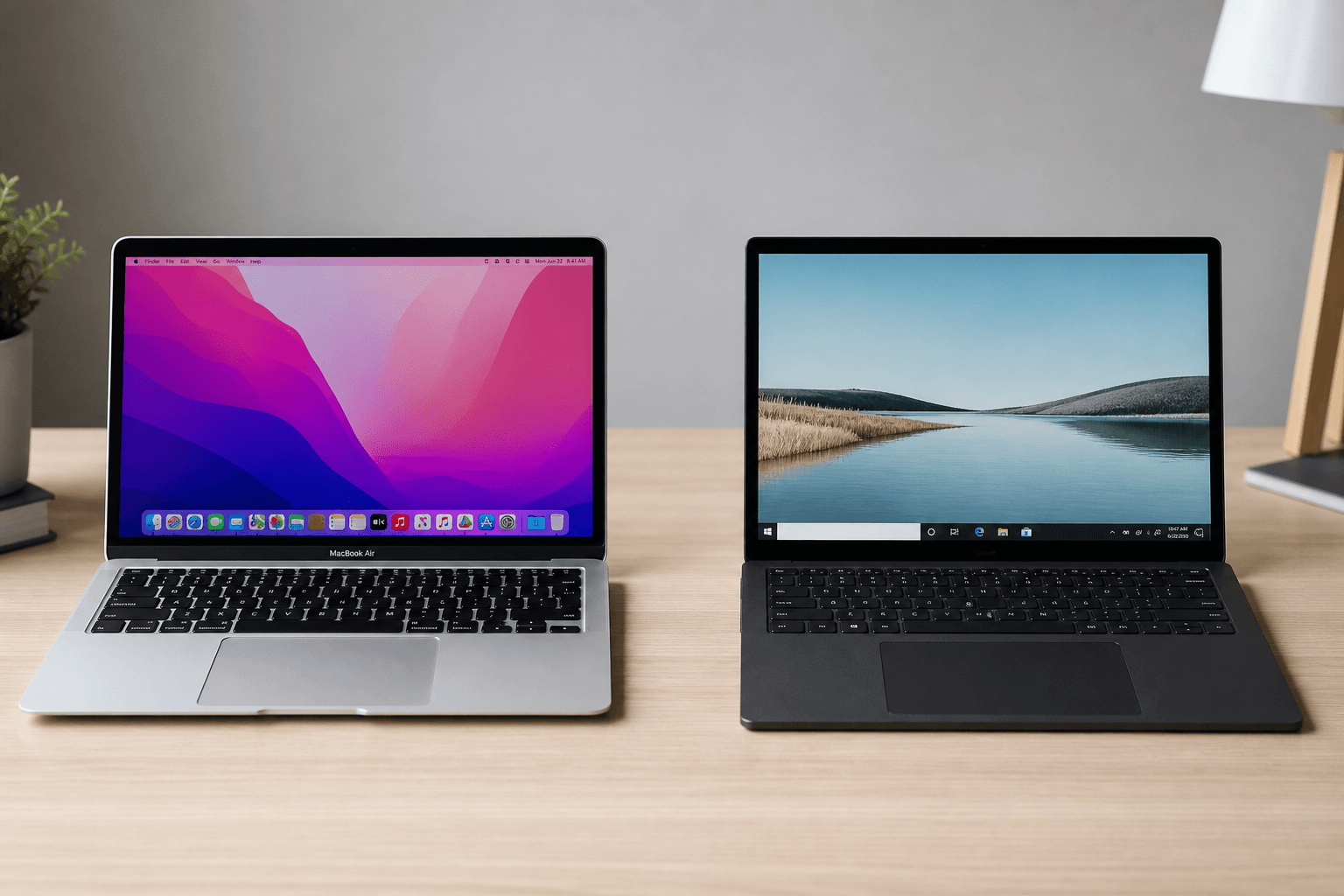
MacBook and Windows laptop side by side on a desk
Quick Verdict

MacBook Air M4 for battery and efficiency; Windows for gaming, repairability and software flexibility

MacBooks lead on efficiency, battery, and build consistency. Windows laptops win on choice, gaming, and running legacy or niche software. Developers increasingly lean Mac, but Windows remains essential for certain enterprise and gaming scenarios.

Comparison Table

FeatureMacBook Air M4Windows Ultrabooks (Ryzen/Intel)
Starting Price (quality tier)$999 (MacBook Air M4)$700–900 (solid Windows ultrabook)
Battery Life14–18 hours typical8–12 hours typical
GamingLimited (Apple Silicon)Excellent (dGPU options)
AI / Local LLMsStrong unified memoryBetter with NVIDIA dGPU
Software CompatibilitymacOS + iOS ecosystemFull Windows catalog + Linux VMs
Repair / UpgradeSoldered RAM/SSDVaries — some models upgradeable
Best ForCreators, devs, studentsGamers, enterprise, tinkerers

The platform decision is a workflow decision

We see this question constantly: "Should I switch to Mac?" The honest answer depends on what software you must run and whether you value battery life over raw GPU power.

Where MacBook wins clearly

Apple Silicon's efficiency isn't marketing fluff. The MacBook Air M4 routinely doubles Windows ultrabook battery in our tests. Fanless design on the Air means silent operation during lectures and library sessions. Build quality and trackpad remain class-leading.

Where Windows still dominates

Need CUDA for ML? Certain CAD packages? PC gaming at high refresh rates? Windows machines — especially those with dedicated GPUs — remain the only practical choice. You also get broader price ranges and repair options depending on the manufacturer.

AI tooling in 2026

Developers running local models benefit from Mac unified memory at 24GB+. Windows laptops with RTX 4060+ GPUs win for CUDA-specific workflows. Cloud-based AI tools — ChatGPT, Copilot, Gemini — work fine on either platform with a decent internet connection.

Our recommendation

Choose MacBook if you're in design, iOS development, or want maximum battery with minimum fuss.

Choose Windows if you game, need specific enterprise software, or want hardware choice across budgets.

See our student laptop review for a budget Windows alternative, or the developer laptop guide for scored picks.

SP

Laptop & Productivity Editor

Sarah codes, edits video, and writes on the same machines she reviews. Former software engineer turned hardware critic — she cares about thermals, keyboard feel, and whether a laptop survives a full workday away from an outlet.

LaptopsDeveloper workflowsAI tools