
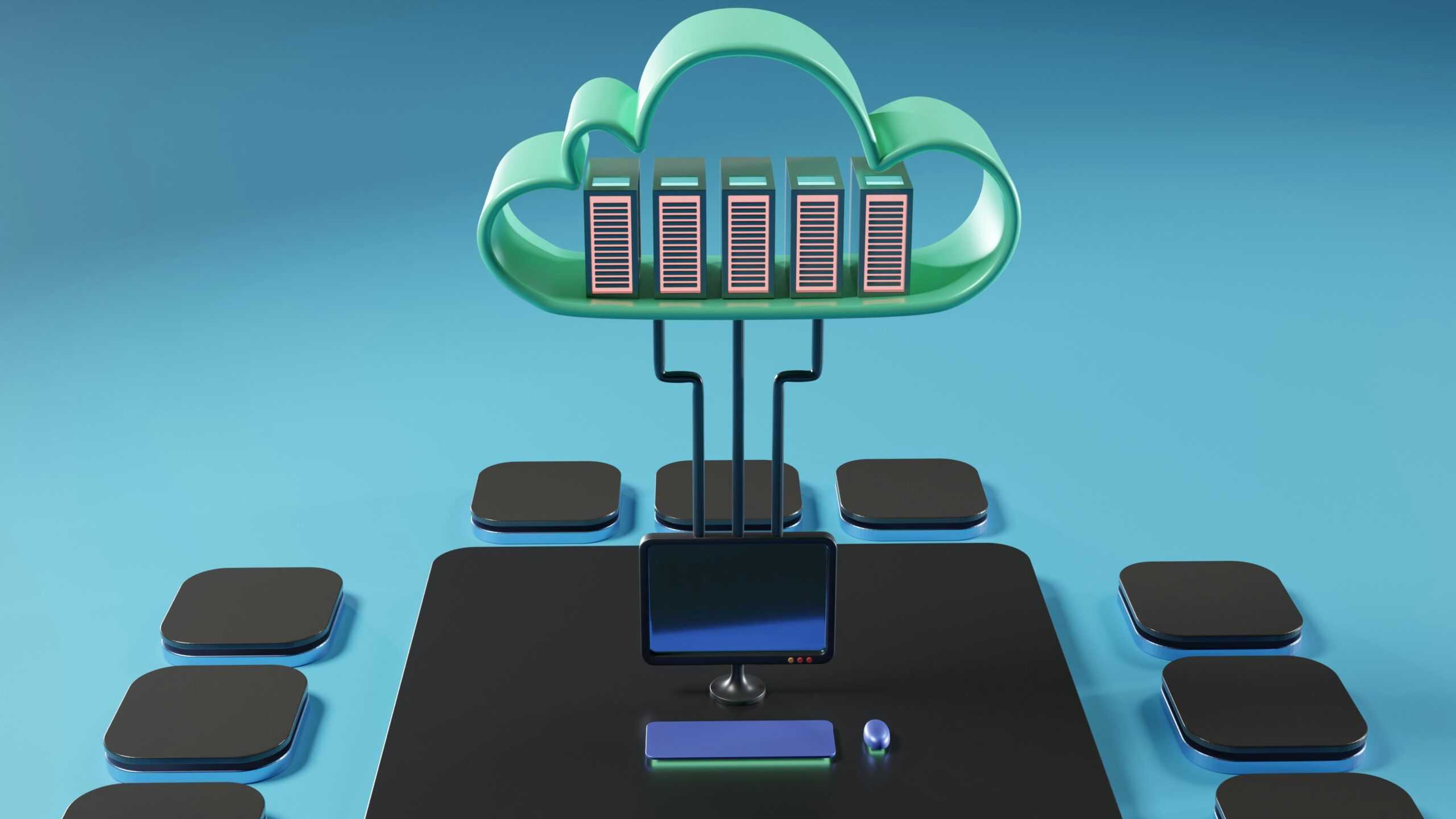
The rapid growth of digital technology has changed the way businesses store, process, and manage information. Every second, billions of connected devices generate enormous amounts of data that must be processed quickly and securely. To handle this growing demand, two major computing models have become increasingly important: cloud computing and edge computing.
Although these technologies are often compared, they are not competitors. Instead, they solve different problems and frequently work together to create efficient digital infrastructures. Understanding the differences between cloud computing and edge computing helps organizations make better technology decisions based on their performance, security, scalability, and business requirements.
Cloud computing has transformed the IT industry by allowing organizations to access computing resources over the internet without investing heavily in physical infrastructure. Businesses can deploy applications, store files, analyze large datasets, and manage operations using remote cloud servers located around the world.
Edge computing, on the other hand, focuses on processing information much closer to where it is generated. Instead of sending every piece of data to distant cloud servers, edge devices analyze information locally, reducing latency and improving response times.
As technologies such as artificial intelligence, the Internet of Things (IoT), autonomous vehicles, smart cities, and industrial automation continue expanding, both cloud computing and edge computing are becoming essential components of modern digital transformation.
This comprehensive guide explains how cloud computing and edge computing work, their advantages, disadvantages, major differences, practical applications, and which solution is best for different scenarios.
What Is Cloud Computing?
Cloud computing is a technology that delivers computing resources over the internet. Instead of owning physical servers, organizations rent computing power, storage, databases, networking, software, and security services from cloud providers.
Users can access cloud services from virtually anywhere with an internet connection, making cloud computing one of the most flexible and cost-effective technologies available today.
Businesses use cloud computing to host websites, manage databases, store documents, run business applications, perform data analytics, and support remote work environments.
One of the biggest advantages of cloud computing is scalability. Organizations can quickly increase or decrease computing resources based on changing business needs without purchasing additional hardware.
What Is Edge Computing?
Edge computing is a distributed computing model that processes data close to where it is created instead of sending everything to centralized cloud servers.
Data generated by sensors, cameras, smartphones, industrial equipment, and connected devices is analyzed locally using nearby edge devices or edge servers.
Only necessary information is transferred to the cloud for long-term storage or advanced analytics.
This approach dramatically reduces latency, decreases bandwidth usage, and enables real-time decision-making.
Edge computing is especially valuable for applications where even a small delay can affect performance or safety.
How Cloud Computing Works
Cloud computing operates through large data centers containing thousands of powerful servers.
When users access cloud applications, their requests travel through the internet to these remote servers.
The servers process the requests and return the results.
Cloud providers handle infrastructure management, security updates, maintenance, backups, and resource allocation, allowing businesses to focus on their operations rather than managing physical hardware.
Cloud services are generally divided into three categories:
Infrastructure as a Service (IaaS)
Provides virtual servers, storage, and networking resources.
Platform as a Service (PaaS)
Offers development platforms where developers can build and deploy applications.
Software as a Service (SaaS)
Delivers software applications directly through web browsers without requiring local installation.
How Edge Computing Works
Edge computing places processing power near the source of data generation.
Instead of transmitting every data packet across long internet connections, nearby edge devices analyze information locally.
This significantly reduces communication delays and improves application responsiveness.
For example, a smart manufacturing system can detect equipment failures immediately without waiting for cloud servers to process sensor data.
Only critical information is forwarded to centralized cloud platforms for storage and advanced reporting.
Key Differences Between Cloud Computing and Edge Computing
Although both technologies process data, their architecture differs significantly.
Data Processing Location
Cloud computing processes information inside centralized remote data centers.
Edge computing processes information near the device generating the data.
Latency
Cloud computing may experience higher latency because information travels longer distances.
Edge computing minimizes latency by processing data locally.
Bandwidth Usage
Cloud computing requires more internet bandwidth because large volumes of data travel continuously.
Edge computing reduces bandwidth usage by filtering unnecessary information before transmission.
Internet Dependency
Cloud services require stable internet connectivity.
Edge computing can continue processing many tasks even during temporary internet interruptions.
Scalability
Cloud computing offers nearly unlimited scalability.
Edge computing scales by adding more distributed edge devices where needed.
Benefits of Cloud Computing
Cloud computing offers numerous advantages for organizations of all sizes.
Cost Efficiency
Businesses avoid expensive hardware purchases and only pay for the resources they use.
Global Accessibility
Employees can securely access cloud resources from almost anywhere.
Automatic Updates
Cloud providers regularly maintain infrastructure and install security updates.
Flexible Resource Allocation
Organizations can quickly increase computing capacity during periods of high demand.
Disaster Recovery
Cloud platforms provide reliable backup and recovery options that help businesses recover from unexpected failures.
Benefits of Edge Computing
Edge computing provides unique advantages for real-time applications.
Ultra-Low Latency
Local processing allows applications to respond almost instantly.
Faster Decision Making
Critical systems can react immediately without waiting for remote servers.
Reduced Network Congestion
Processing data locally decreases internet traffic and bandwidth costs.
Improved Reliability
Many edge systems continue functioning even if cloud connectivity becomes temporarily unavailable.
Better Support for IoT
Edge computing efficiently manages billions of connected devices generating continuous streams of data.
Cloud Computing Use Cases
Cloud computing supports countless business applications, including:
- Website hosting
- Business software
- Email services
- Cloud storage
- Remote collaboration
- Video conferencing
- Customer relationship management
- Enterprise resource planning
- Data analytics
- Backup and recovery
Cloud computing remains the preferred solution for centralized computing environments.
Edge Computing Use Cases
Edge computing is widely used in applications requiring real-time performance.
Examples include:
- Autonomous vehicles
- Smart factories
- Healthcare monitoring
- Smart cities
- Video surveillance
- Industrial automation
- Retail analytics
- Agricultural monitoring
- Energy management
- Smart transportation
These applications depend on immediate data processing to function efficiently.