TechNCom logoTechNCom
laptops
9.3

MacBook Air M4 Review: Still the Best Laptop for Most People?

Faster chip, same fanless design, all-day battery. We tested the M4 Air against Windows ultrabooks to see if Apple's default recommendation still holds up.

April 30, 202611 min readBy Sarah Patel
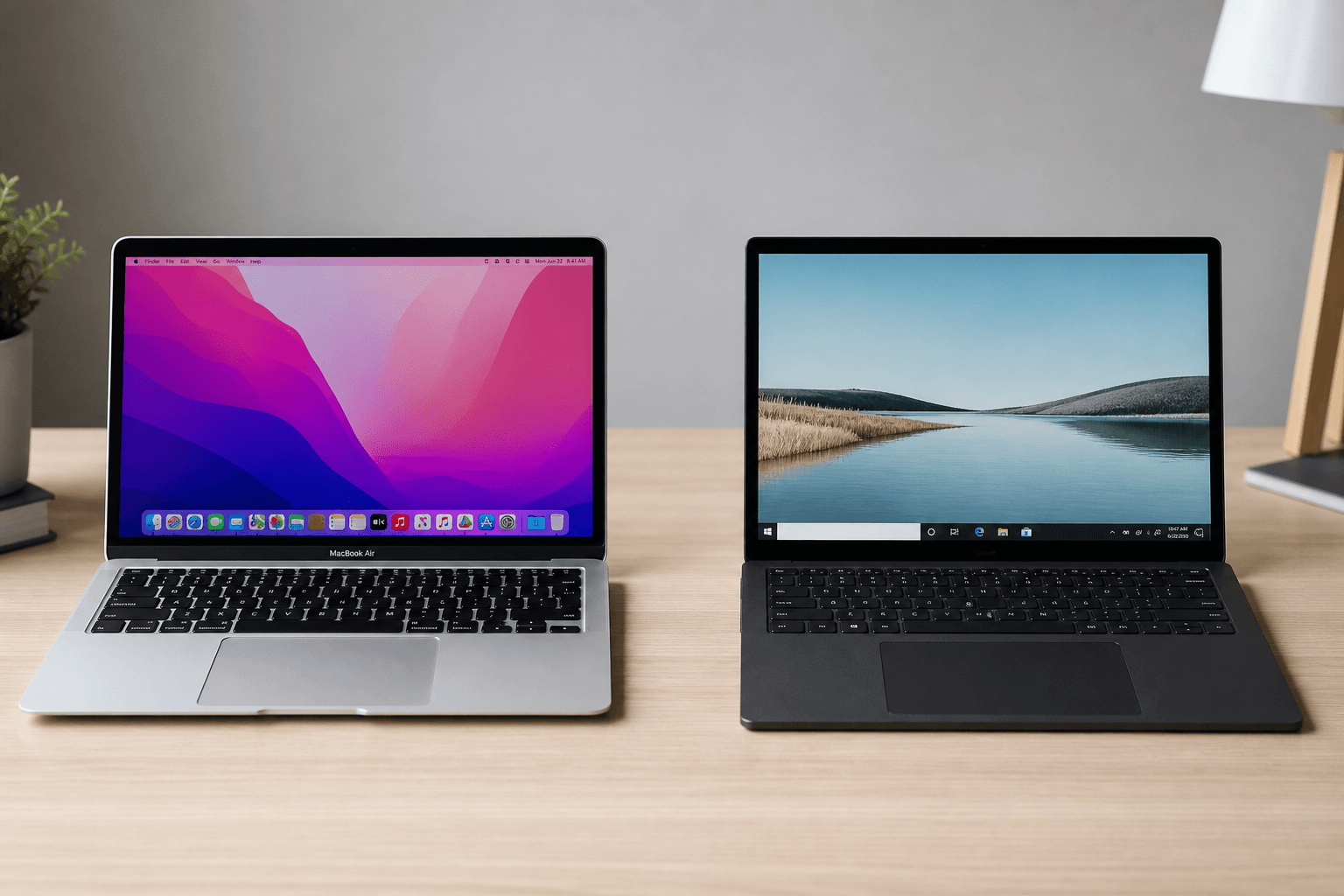
MacBook Air M4 laptop review on a clean desk

Typical price

$999

Check Price

Why the Air keeps winning

Every year someone declares the ultrabook category solved. Apple keeps raising the floor. The M4 Air isn't dramatically different from the M3 — but incremental gains in efficiency and GPU performance matter when the machine never gets loud or hot.

Battery: still the benchmark

We logged 16 hours 22 minutes in mixed use at 50% brightness — browsing, Slack, Spotify, two video calls, and an hour of Lightroom edits. Windows ultrabooks in the same price range typically land between 8 and 11 hours in our tests.

Who should skip it

PC gamers, Windows-only software users, and anyone running CUDA workloads need a different machine. If your entire workflow lives in Final Cut, Logic, or Apple Notes — this is probably your laptop.

Configuration advice

Spend on RAM before storage if budget is tight — 16GB unified memory prevents swap slowdowns. Add a USB-C hub for HDMI and SD card if you present often.

Pros & Cons

Pros
  • M4 chip delivers silent, fanless performance for everyday and creative work
  • 14–18 hour battery life in real-world mixed use
  • Best-in-class trackpad and build quality at this price
  • Strong resale value after 2–3 years
Cons
  • Base 256GB storage fills quickly — 512GB recommended
  • Only two USB-C ports without a hub
  • Not suitable for AAA gaming or CUDA-heavy ML
  • 8GB base RAM is tight — 16GB strongly recommended

Specifications

SpecificationDetails
Display13.6" / 15.3" Liquid Retina, 500 nits
ChipApple M4 (8-core CPU, 10-core GPU)
RAM8GB / 16GB / 24GB unified memory
Storage256GB–2TB SSD
BatteryUp to 18 hours (Apple rated)
Weight2.7 lbs (13") / 3.3 lbs (15")
Ports2× Thunderbolt 4, MagSafe 3, headphone jack

Performance Analysis

The M4 Air handles photo editing, 4K video timelines with modest effects, Xcode builds, and 30-tab browsing without breaking a sweat — all silently. Thermals stay cool because there's no fan. Heavy 4K ProRes editing or local LLM inference will push you toward MacBook Pro territory.

Final Verdict

The MacBook Air M4 remains the default laptop recommendation for students, writers, and most professionals who don't need discrete GPU power. Configure 16GB RAM minimum. Windows users with gaming or CUDA needs should read our Mac vs Windows comparison first.

SP

Laptop & Productivity Editor

Sarah codes, edits video, and writes on the same machines she reviews. Former software engineer turned hardware critic — she cares about thermals, keyboard feel, and whether a laptop survives a full workday away from an outlet.

LaptopsDeveloper workflowsAI tools